
I took my guitar icon and used a trick I just learned to make it more realistic.
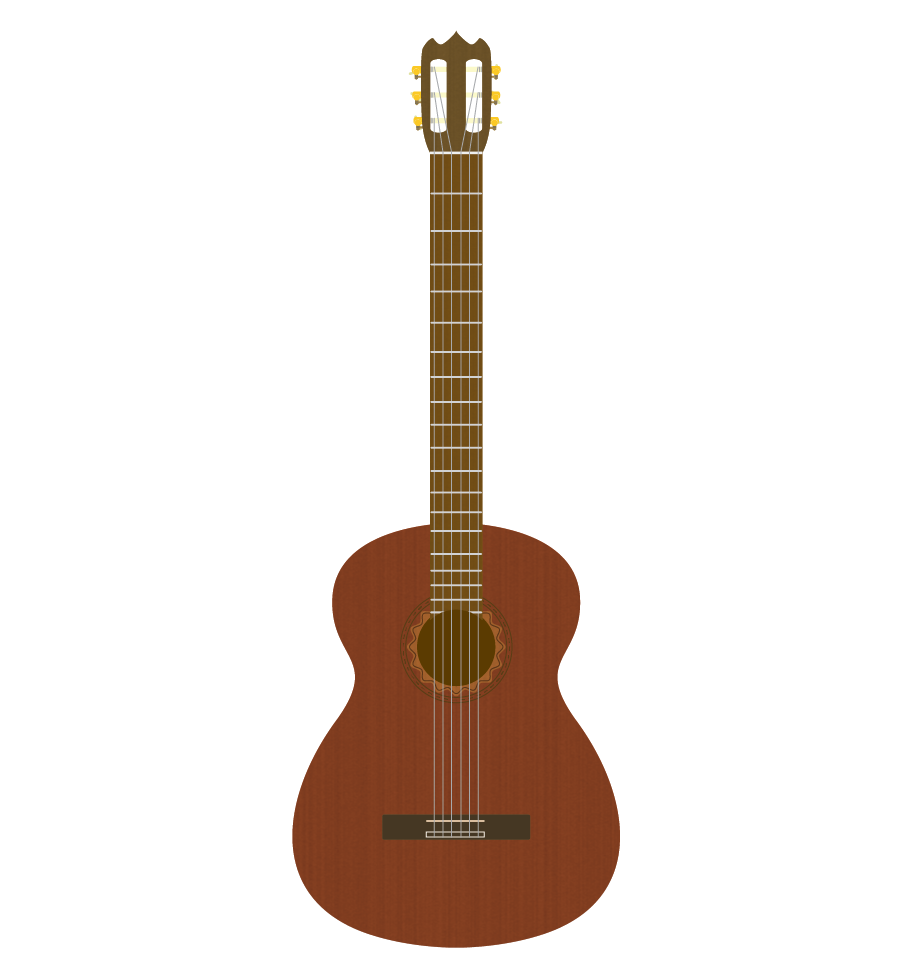
Here’s the original, which I still like:
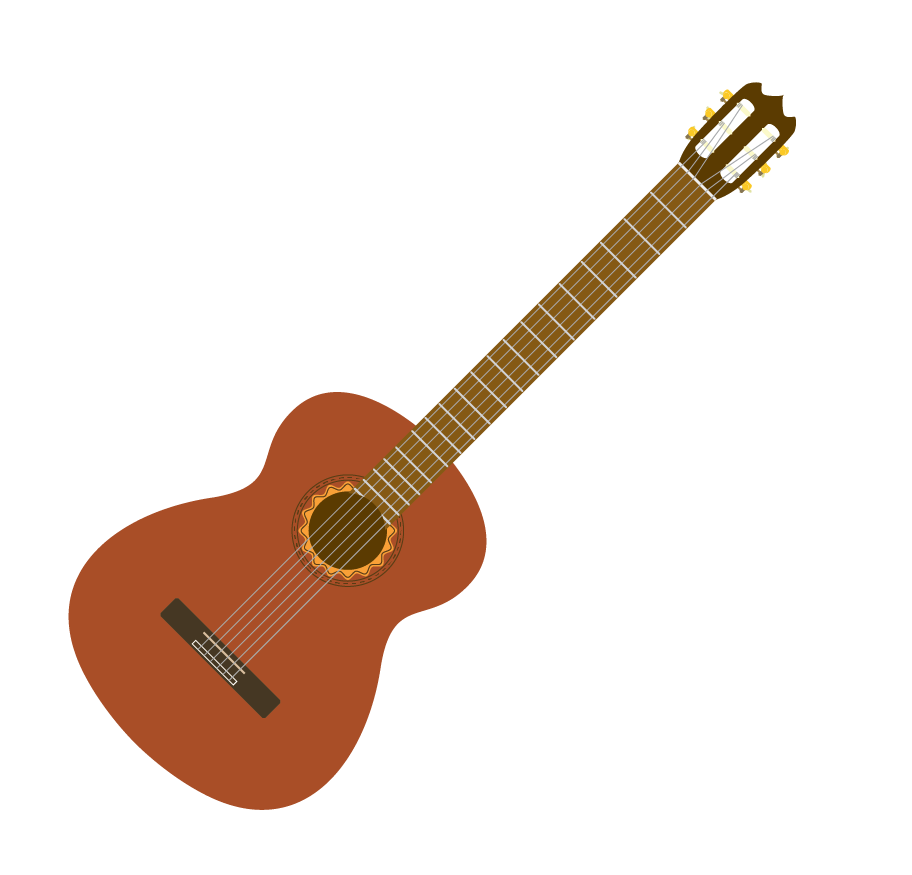
As usual I drew it by hand. Here are a few pics showing the process. I used this picture to help get the shape of the body right.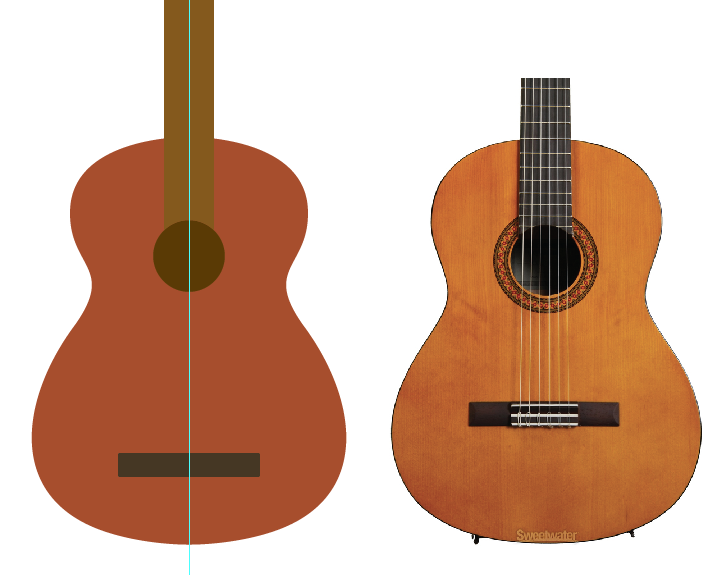
I actually have a classical guitar in my room, which I play from time to time, so I relied on it a lot for the details such as the shape of the head, the ornamentation around the sound hole, the spacing of the frets, and the look of the tuning knobs.
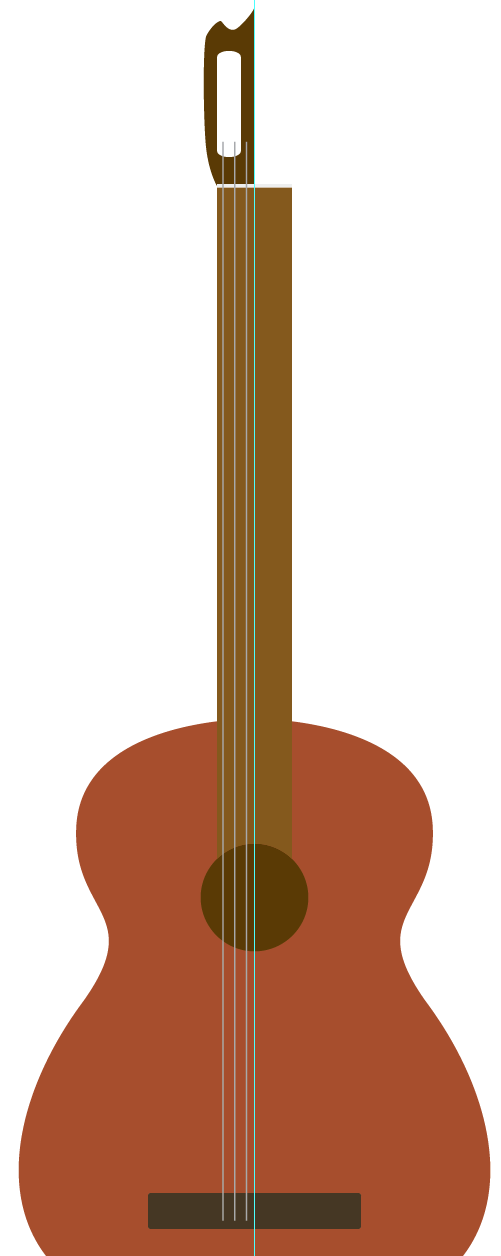
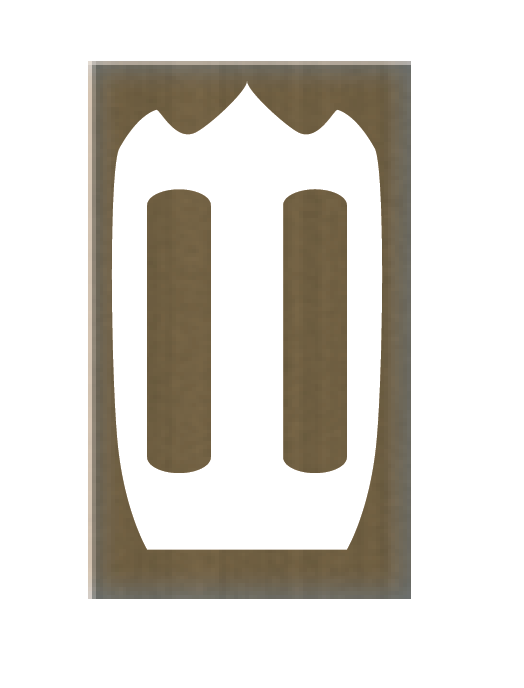
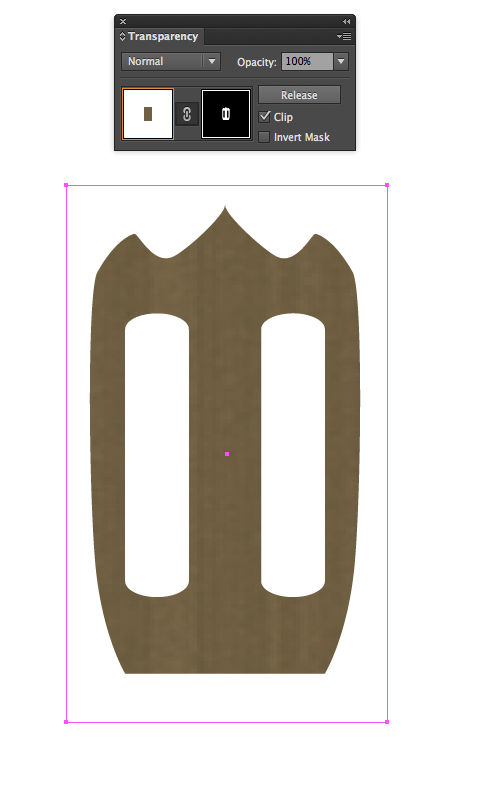
Then I found an online tutorial that showed how to make woodgrain using the raster effect gallery. I just made some square woodgrain blocks and then used opacity masks to cut out shapes for the body, neck, and head. Then I inserted them into my layers, overlaying them just above the original shapes. Then I just adjusted the opacity as needed.
 James McCammon